

CometChatMediaRecorder is a class that allows users to record and send audio messages. It has a start button to start recording, a stop button to stop recording, a play button to play the recorded message, a pause button to pause the recorded message, a submit button to submit the recorded message and a close button to close the media recorder.
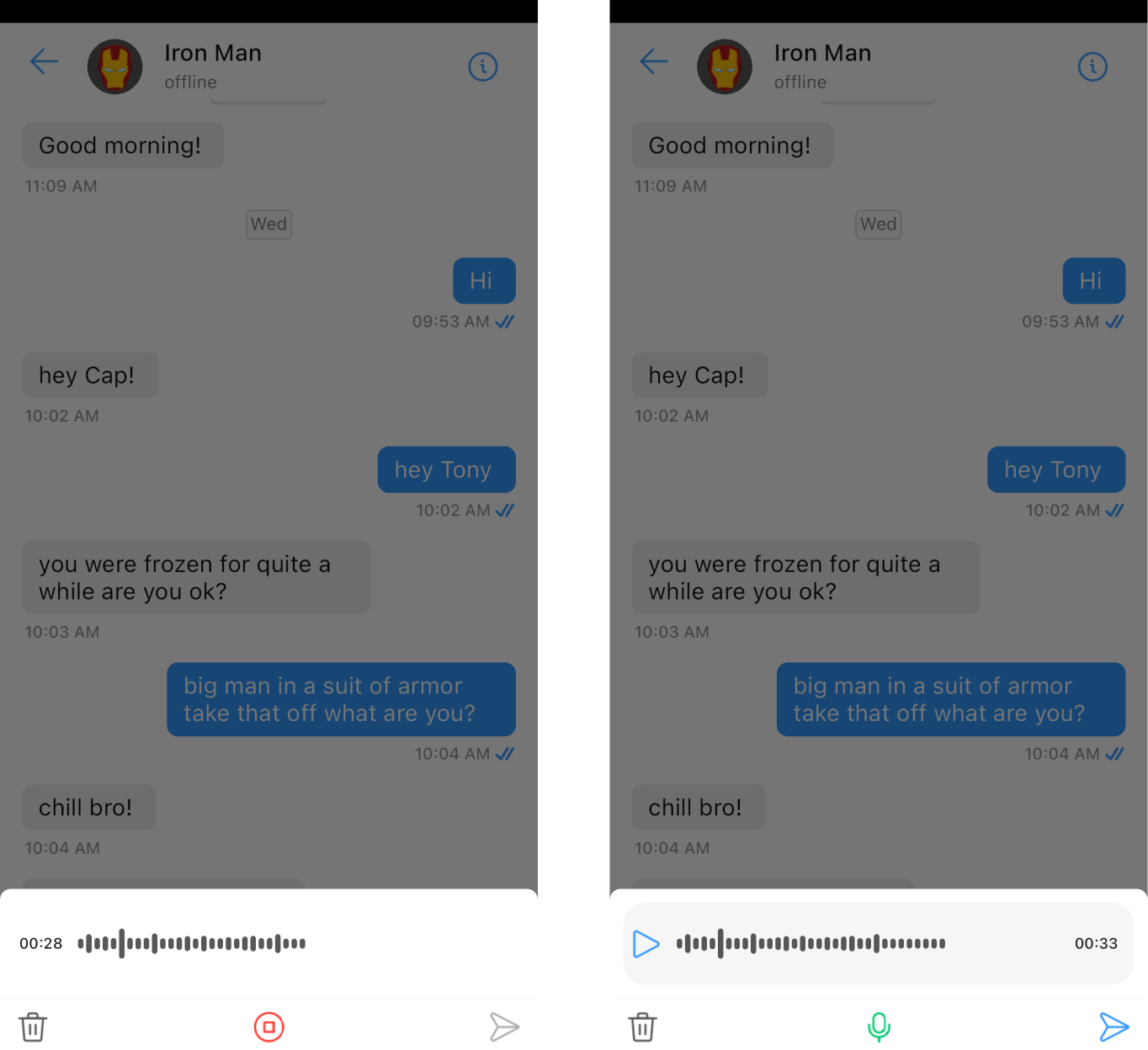
Usage
CometChatMediaRecorder can be used as a child widget inside another Widget or be launched with a model sheet.- Dart
Properties
| Property | Type | Description |
|---|---|---|
| startIcon | Widget | provides icon to the start Icon/widget that starts recording the audio |
| stopIcon | Widget | provides icon to the start Icon/widget that stops recording the audio |
| playIcon | Widget | provides icon to the start Icon/widget that starts playing the recorded audio |
| pauseIcon | Widget | provides icon to the start Icon/widget that stops playing the recorded audio |
| closeIcon | Widget | provides icon to the start Icon/widget that closes the CometChatMediaRecorder |
| submitIcon | Widget | provides icon to the start Icon/widget that utilizes the path audio recorded through the CometChatMediaRecorder |
| onSubmit | Function(BuildContext,String) | a callback to utilize the path of recorded audio |
| onClose | Function | a callback excuted on tapping the closeIcon |
| mediaRecorderStyle | MediaRecorderStyle | helps to customize the appearance of CometChatMediaRecorder |
| theme | CometChatTheme | used to set custom theme |
mediaRecorderStyle
A MediaRecorderStyle object is used to customize the appearance of CometChatMediaRecorder.- Dart